
IndiaExcite CRM & Project Management Excellence

IndiaExcite CRM is a self-hosted Customer Relationship Management solution designed to streamline business operations for companies, freelancers, and organizations of all sizes. With a clean, modern interface, IndiaExcite CRM enhances customer engagement, optimizes workflows, and improves overall business performance.
Why Choose IndiaExcite CRM?
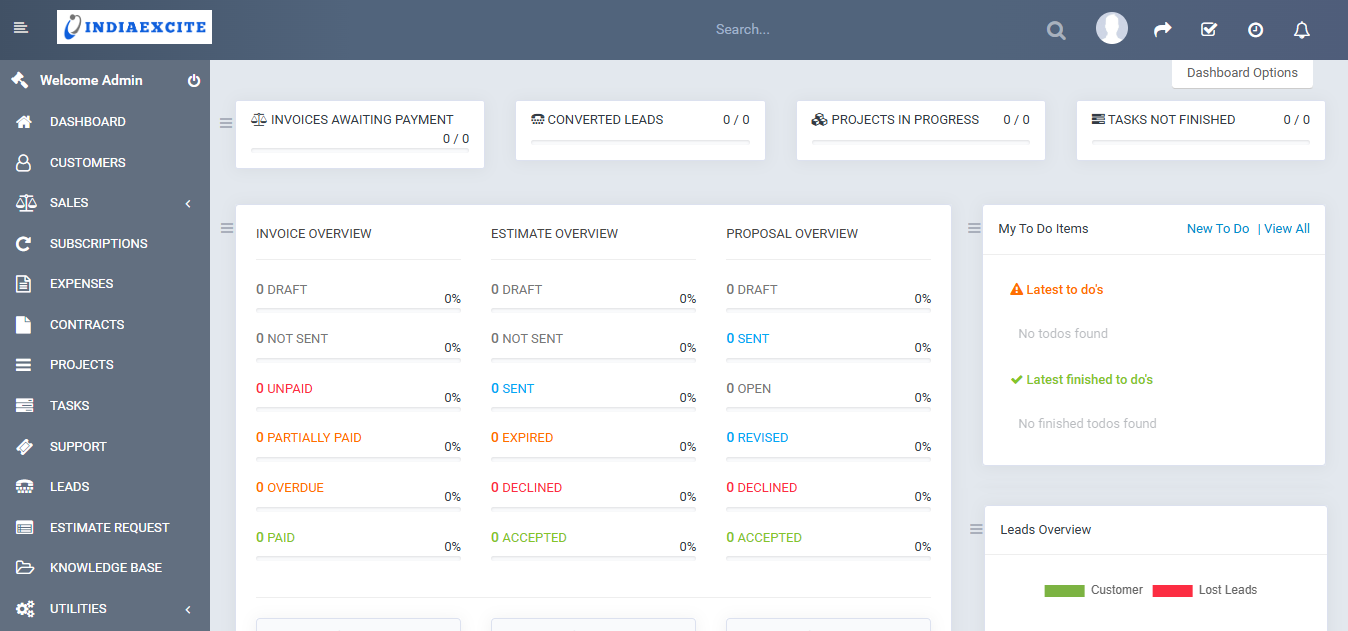
Managing customer relationships effectively is crucial for business growth. IndiaExcite CRM provides a comprehensive suite of tools to handle customer interactions, project management, invoicing, and support-ensuring seamless business operations.
Key Features of IndiaExcite CRM
-
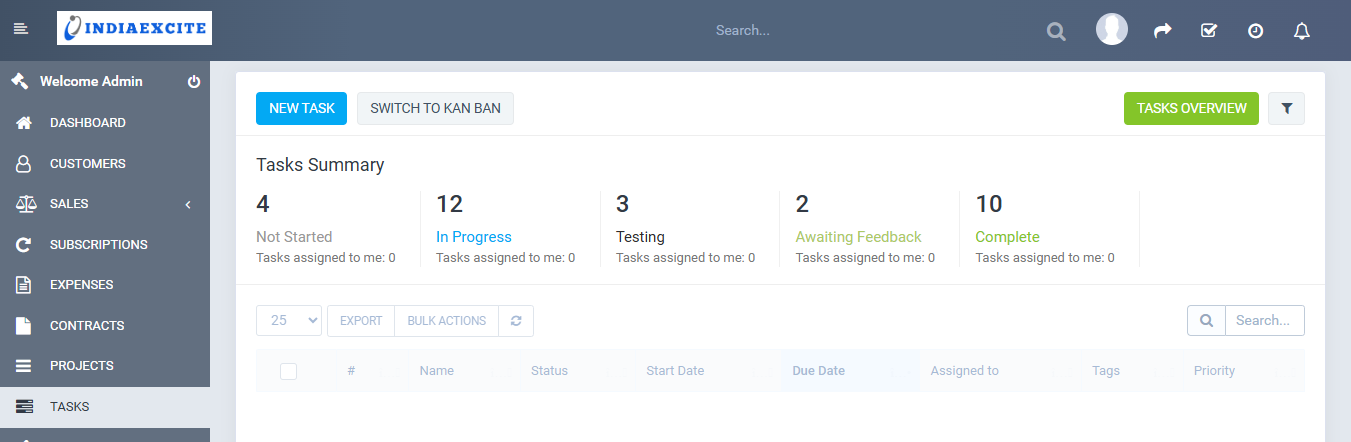
Powerful Project & Task Management
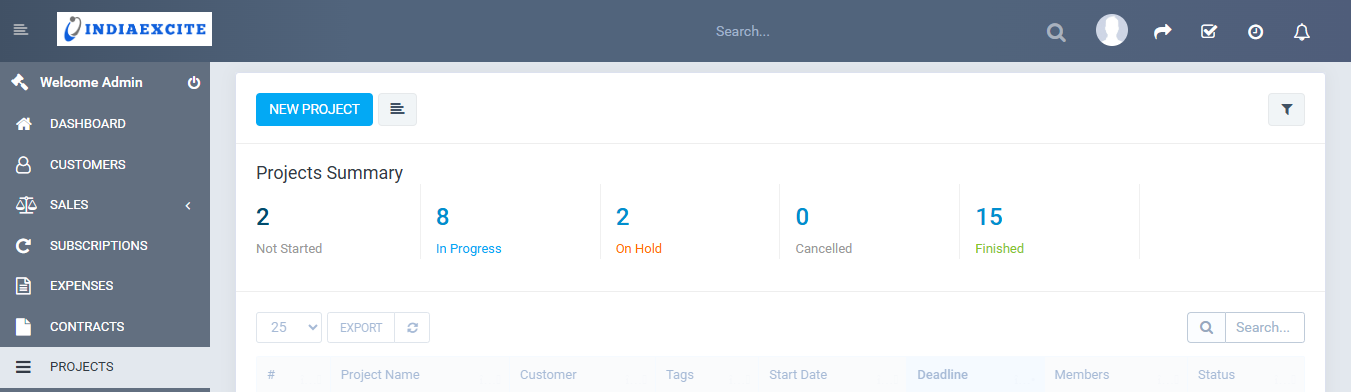
- Efficiently manage and invoice projects with a built-in project management module.
- Assign and track tasks linked to different CRM features for better organization.
- Assign multiple team members to a task, track time spent, and bill customers accordingly.
- Enable task followers, allowing team members to monitor progress even if they are not directly assigned to the project.
-
Lead Management & Sales Optimization
- Centralize all leads in one place and track progress effortlessly.
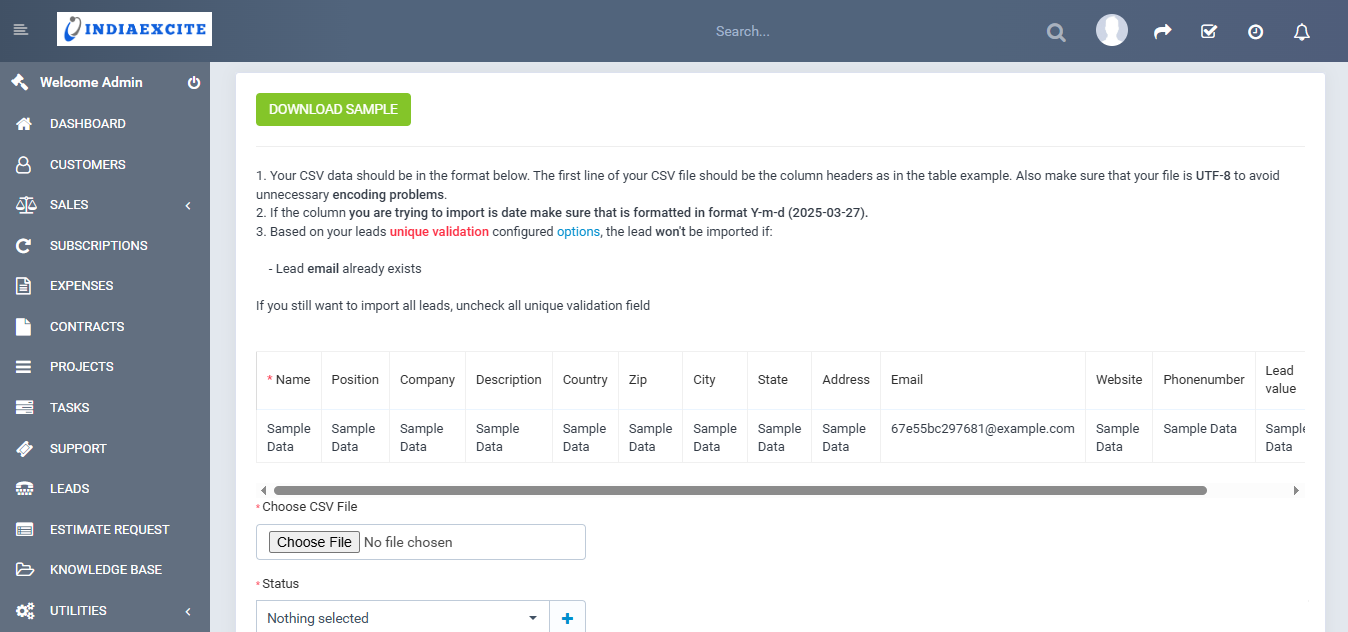
- Auto-import leads from emails, add notes, and create compelling proposals to convert leads into customers.
- Organize leads into stages and move them easily using drag-and-drop functionality.
- Generate eye-catching proposals to increase conversions and close more deals.
-
Seamless Invoicing & Expense Tracking
- Create professional invoices and estimates effortlessly.
- Convert expenses into invoices with just a few clicks and bill customers instantly.
- Accept multi-currency payments from various payment gateways.
-
Robust Customer Support & Ticketing System
- Provide top-tier customer support with an integrated ticketing system.
- Auto-import support tickets from emails and assign them to relevant team members.
- Set up reminders for yourself or team members and receive email & in-app notifications for timely follow-ups.
-
Customer Insights & Retention Tools
- Gain deep insights into customer behavior with powerful CRM analytics.
- Conduct customer surveys to enhance customer satisfaction and retention.
- Track sales goals using the built-in Goal Tracking
-
Customization & Branding
- Customize the CRM interface to match your company’s branding with advanced theme styling options.
- Create custom fields to store additional information for leads, customers, and transactions.
- Utilize a dedicated media folder for non-admin team members to manage files efficiently.
-
Contract & Document Management
- Draft and manage contracts to secure ongoing and future business.
- Share important announcements with staff members and customers through an intuitive dashboard.
-
Smart Calendar & Scheduling
- Each staff member gets an individualized calendar with permissions tailored to their role.
- Schedule follow-ups, set reminders, and manage deadlines
-
Advanced Reports & Performance Tracking
- Access comprehensive reports to track business performance, sales trends, and customer interactions.
- Generate customizable reports for data-driven decision-making.
Key Features
-
Project Management & Billing
- Seamlessly manage and invoice projects with built-in tracking and billing tools.
- Assign multiple staff members to a task and track time for accurate billing.
- Organize tasks efficiently with a powerful project dashboard.
-
Professional Invoicing
- Generate professional, branded invoices and send them directly to clients.
- Attach supporting documents and enable recurring invoices for regular clients.
- Supports multiple payment gateways for seamless transactions.
-
Subscription Management
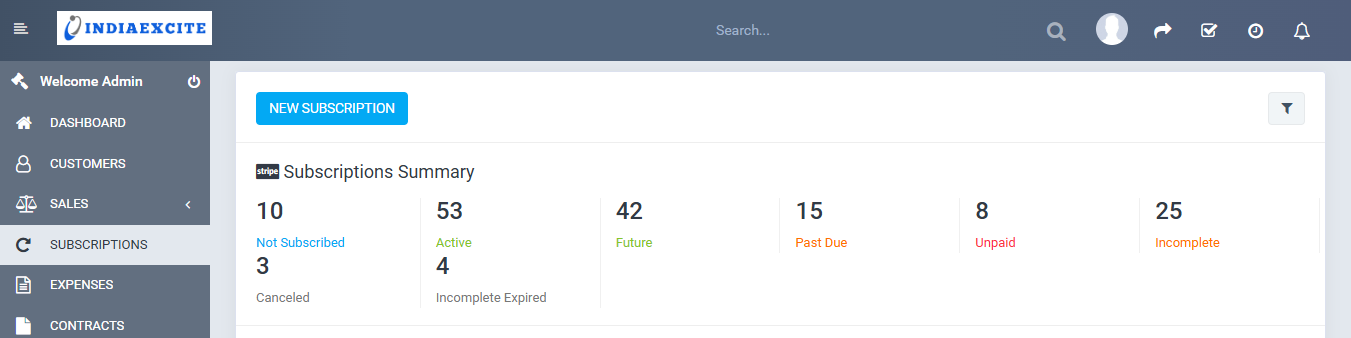
- Automate customer billing cycles with a dedicated subscription module.
- Allow customers to subscribe to services and manage payments with ease.
-
Estimates & Proposals
- Create, send, and convert estimates into invoices effortlessly.
- Generate customized proposals with images, videos, and detailed breakdowns.
- Allow clients to accept proposals online and negotiate terms in real-time.
-
Expense Tracking
- Keep track of business expenses with recurring expense management.
- Set expenses to be billable to specific projects or customers for better cost control.
-
Payments & Multi-Currency Support
- Accept payments in various currencies and generate auto-generated PDFs for records.
- Enable partial payments on invoices for flexible customer billing.
-
Lead & Customer Management
- Track leads, assign follow-ups, and convert them into customers
- Auto-import leads from emails, manage contacts, and track progress at every stage.
- Organize leads in a drag-and-drop pipeline for an easy overview.
-
Web to Lead Forms
- Embed custom web forms to capture potential customer inquiries.
- Automatically store lead information in IndiaExcite CRM for quick follow-ups.
-
Advanced Support Ticket System
- Handle customer inquiries efficiently with an integrated support ticketing system.
- Assign tickets to staff members, track resolution progress, and send automated responses.
-
Calendar & Task Management
- Schedule and manage tasks across teams with a shared calendar.
- Set reminders, task priorities, and track project deadlines in one place.
-
Custom Fields & Personalization
- Create custom fields to store additional customer, lead, and business data.
- Tailor the CRM to fit your business model and industry requirements.
-
Contracts & Document Management
- Secure current and future business deals with a robust contract management system.
- Store and manage client agreements, proposals, and service documents in one place.
-
Reporting & Goal Tracking
- Generate custom reports to analyze sales, revenue, and customer engagement.
- Use goal tracking to monitor sales targets and measure performance.
-
Personalized To-Do List & Notifications
- Manage personal and business task lists with priority-based organization.
- Get real-time notifications and reminders for important follow-ups.
-
Customer Area for Self-Service
- Provide customers with a dedicated portal to view invoices, projects, and tickets.
- Enhance client satisfaction by enabling self-service access to business interactions.
-
Custom Fields for Personalization
- Add custom fields to invoices, payments, estimates, and proposals.
- Configure data fields to match your business needs, ensuring better organization.
- Display specific fields in the customer portal or tables for enhanced accessibility.
-
Efficient Task Management
- Assign tasks to multiple team members and allow file attachments for better collaboration.
- Enable followers to track progress and provide inputs without direct involvement.
- Allow staff to comment, upload files, and update statuses
-
Knowledge Base for Customer Support
- Create structured knowledge base articles to provide instant solutions.
- Organize articles into categories to improve accessibility.
- Help customers self-resolve common issues, reducing support queries.
-
Contracts & Document Management
- Draft, manage, and secure client contracts to formalize ongoing and future sales.
- Generate PDF contracts and send them directly via email.
- Keep all contractual agreements stored within the CRM for quick access and organization.
-
Reports & Analytics for Better Decision-Making
- Generate detailed reports on revenue, expenses, and lead conversions.
- Get clear visual insights with in-depth analytics and data tracking.
- Utilize reports to identify growth opportunities and business trends.
-
Goal Tracking for Sales Performance
- Set and track sales goals to maintain business momentum.
- Notify team members about performance updates, successes, or failures.
- Align sales strategies with real-time progress tracking.
-
Personal To-Do List for Productivity
- Enable each staff member to manage their own personalized to-do list.
- Use drag-and-drop functionality to update task status effortlessly.
- Boost *work efficiency and prioritize tasks with a structured workflow.
-
Dedicated Customer Portal
- Each customer gets a personalized dashboard to track financial data.
- Customers can view invoices, proposals, contracts, and support tickets in one place.
- Ensures a seamless self-service experience, improving customer satisfaction.
-
Create & Manage Professional Proposals
- Generate visually appealing business proposals with rich content.
- Include images, tables, video links, and structured layouts to impress clients.
- Allow clients to accept proposals online, reducing back-and-forth negotiations.
-
Instant Estimates & Auto Invoicing
- Create detailed estimates and send them to clients within minutes.
- Auto-convert approved estimates into invoices, reducing manual effort.
- Let customers approve and manage estimates online for faster conversions.
-
Drag-and-Drop Menu Customization
- Easily adjust menu items to suit your business preferences.
- Drag and drop to rearrange or remove unnecessary features, creating a tailored experience.
-
Multi-Member Time Tracking
- Track timers for multiple assigned team members on a single task.
- Gain insights into how much time is spent on each project phase, ensuring efficiency.
-
Quick Task Duplication
- Easily copy tasks with all assigned members, attachments, and checklist items.
- Reduce redundancy by duplicating complex workflows in just one click.
-
Customizable Color Themes
- Change CRM interface colors to match your brand identity.
- Use custom CSS options to fine-tune the CRM’s look and feel.
-
Advanced Timesheet Reports
- Generate detailed timesheet reports for each team member and project.
- Apply filters to track logged hours by project, task, or team member.
-
Project Milestone Tracking
- Create project milestones to break tasks into manageable phases.
- Ensure better workflow organization and deadline tracking.
-
E-Signature for Documents
- Enable customers to sign contracts, proposals, and estimates digitally.
- Improve document security and approval speed with built-in e-signatures.
-
GDPR Compliance & Data Security
- IndiaExcite CRM is fully compliant with GDPR standards for secure data handling.
- Ensures customer data protection and regulatory compliance for businesses.
Why IndiaExcite CRM?
IndiaExcite CRM offers a feature-rich, self-hosted solution for businesses looking to streamline operations, boost customer engagement, and enhance team collaboration.
Why Choose IndiaExcite CRM?
IndiaExcite CRM is an intelligent, user-friendly solution that empowers businesses to manage customer relationships, streamline projects, and automate tasks effortlessly. From tracking leads to handling invoicing and contracts, it provides everything a business needs to scale efficiently and enhance customer satisfaction.
Transform Your Business with IndiaExcite CRM
IndiaExcite CRM is built for businesses that want to simplify customer management, streamline projects, and improve operational efficiency.Whether you’re a freelancer or a growing enterprise, this powerful platform is tailored to optimize workflows and enhance business success.
🚀 Get started with IndiaExcite CRM today and take your customer relationships to the next level!
SCREENSHOTS
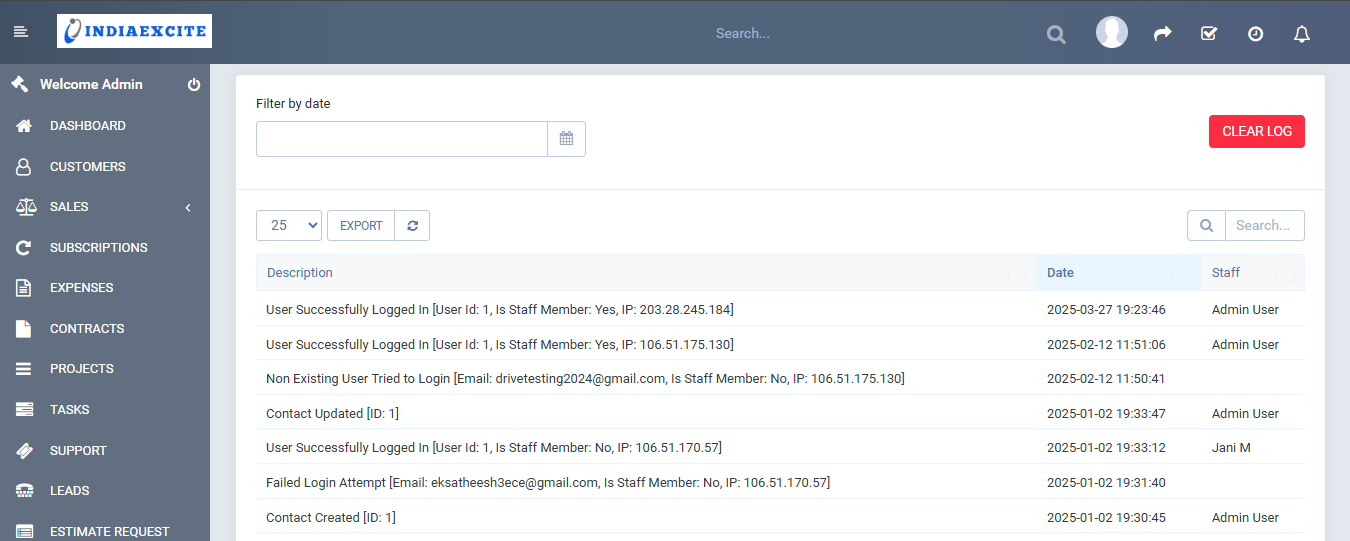
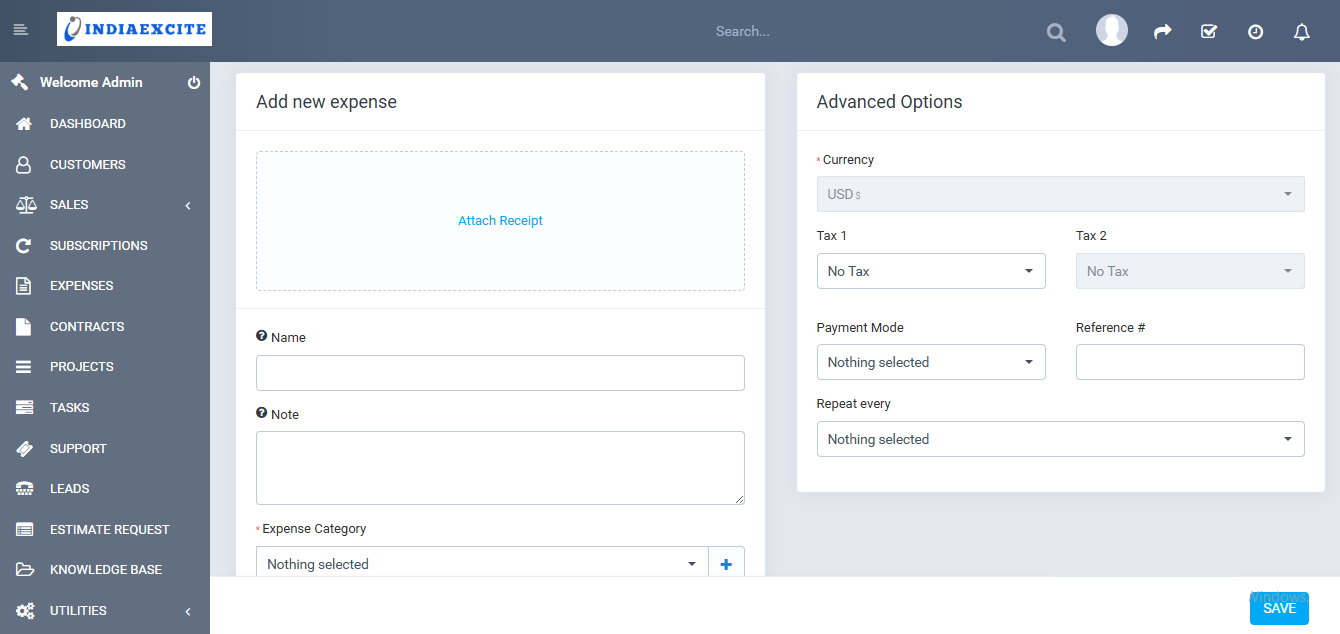
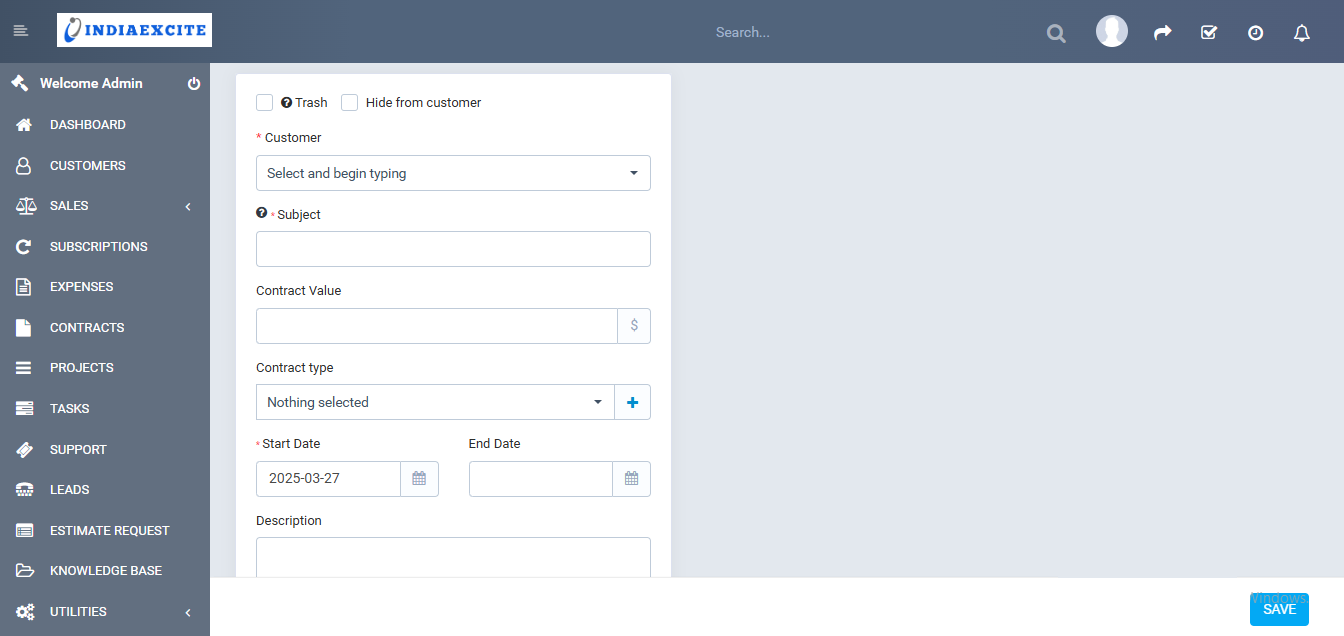
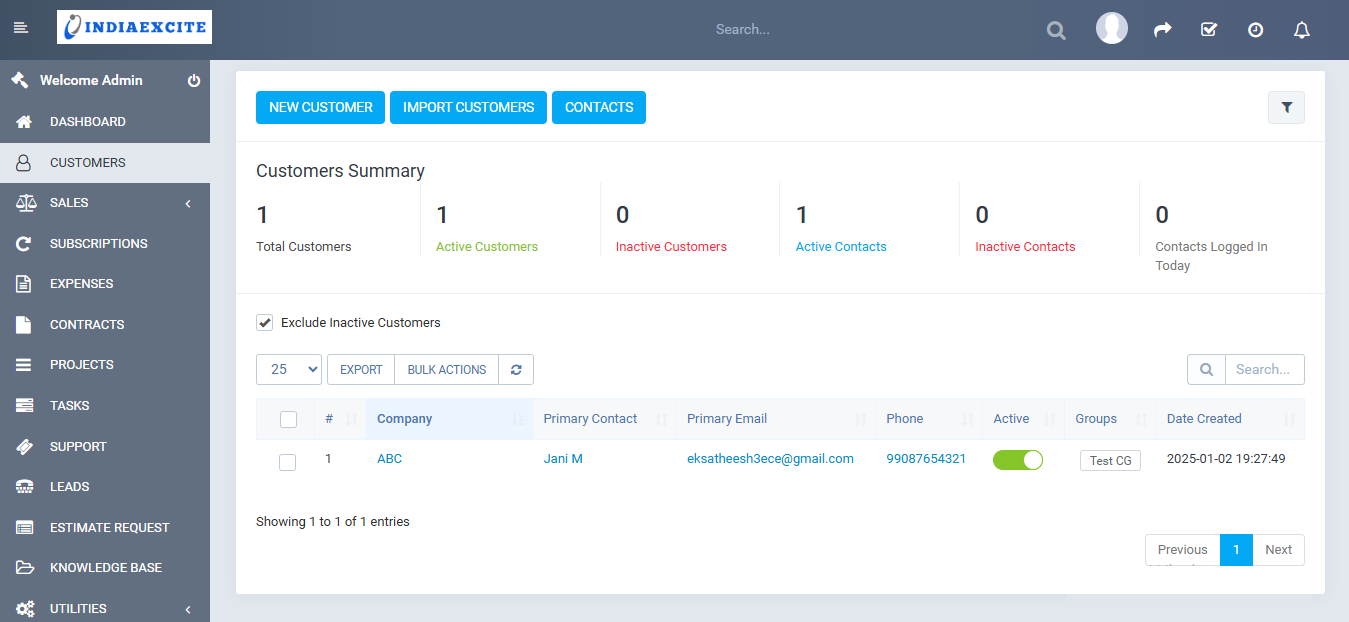
Enquire Form
ABOUT US
Since our inception in 2002, IndiaExcite has been at the forefront of technological innovation, specializing in AI Bots, web applications, and hybrid app development.
Proudly building AI in Valasaravakkam, Chennai – 600087.
Blog Categories
NEWSLETTER
© 2024 INDIAEXCITE - Powered by IndiaExcite IT Solutions Pvt Ltd.