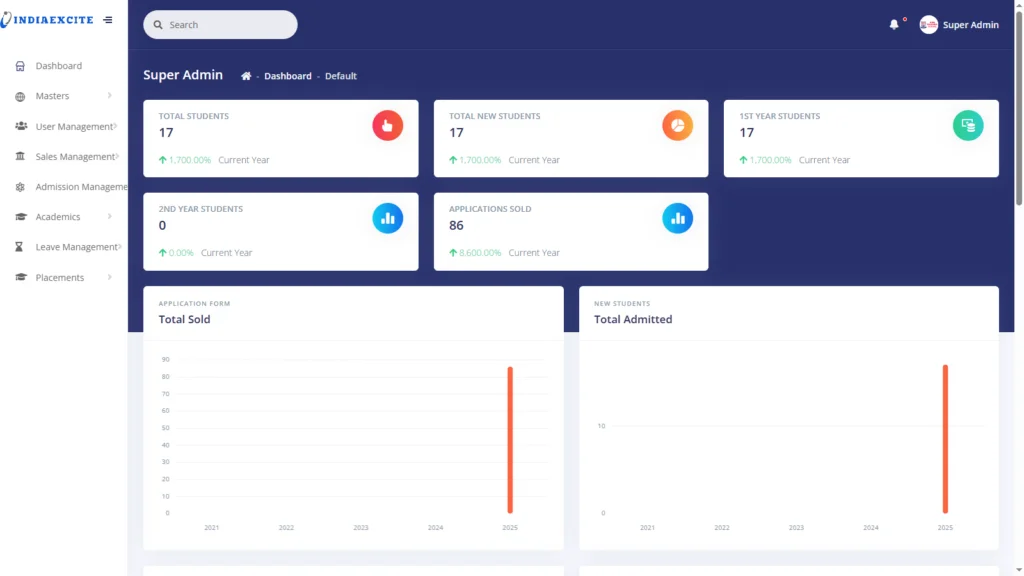
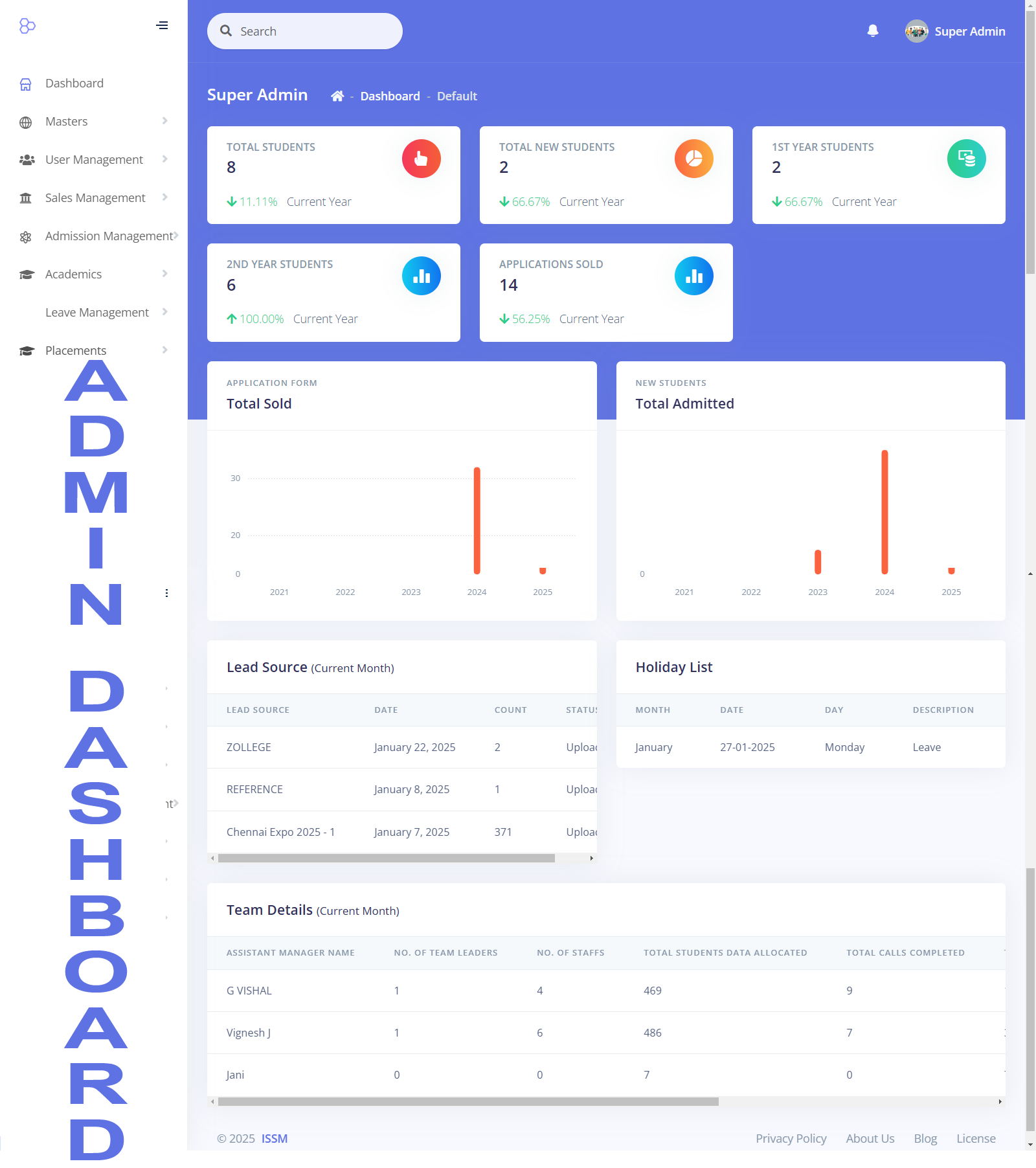
The Campus ERP Application is designed and developed based on inputs from various academies. It has been successfully implemented at ISSM in Chennai. The ERP system consists of multiple interconnected modules, allowing seamless operation across different functionalities. It supports multiple academies under the same management within a single application.
List of Modules in the ERP
User Module
Sales Module
Fee Module
Admin Module
Student Module
Student Assessment Tracking Module
Staff Module
Attendance Tracking Module (for both Students and Staff)
Leave Tracking Module
Placement Module
Reports
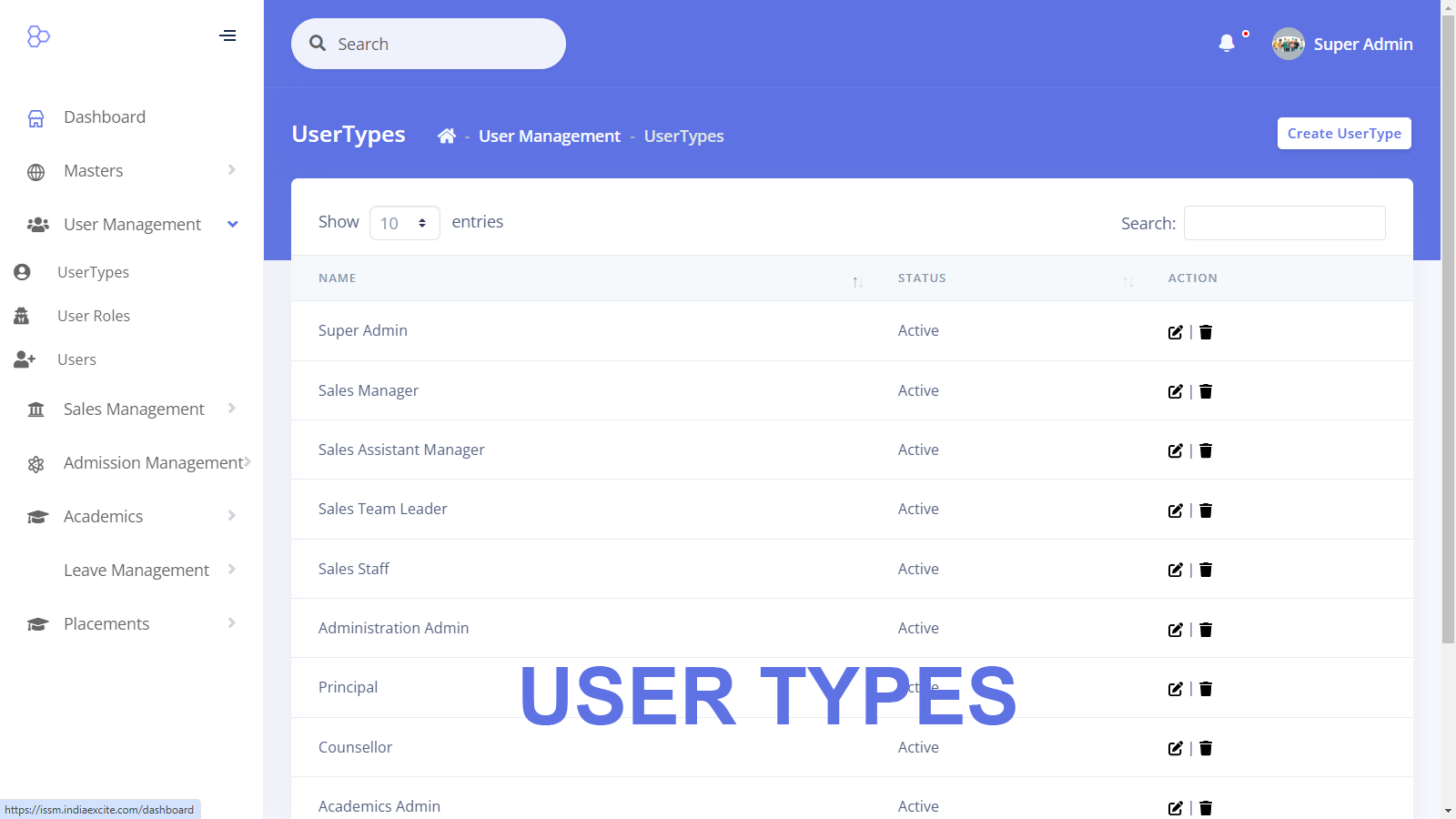
User Module
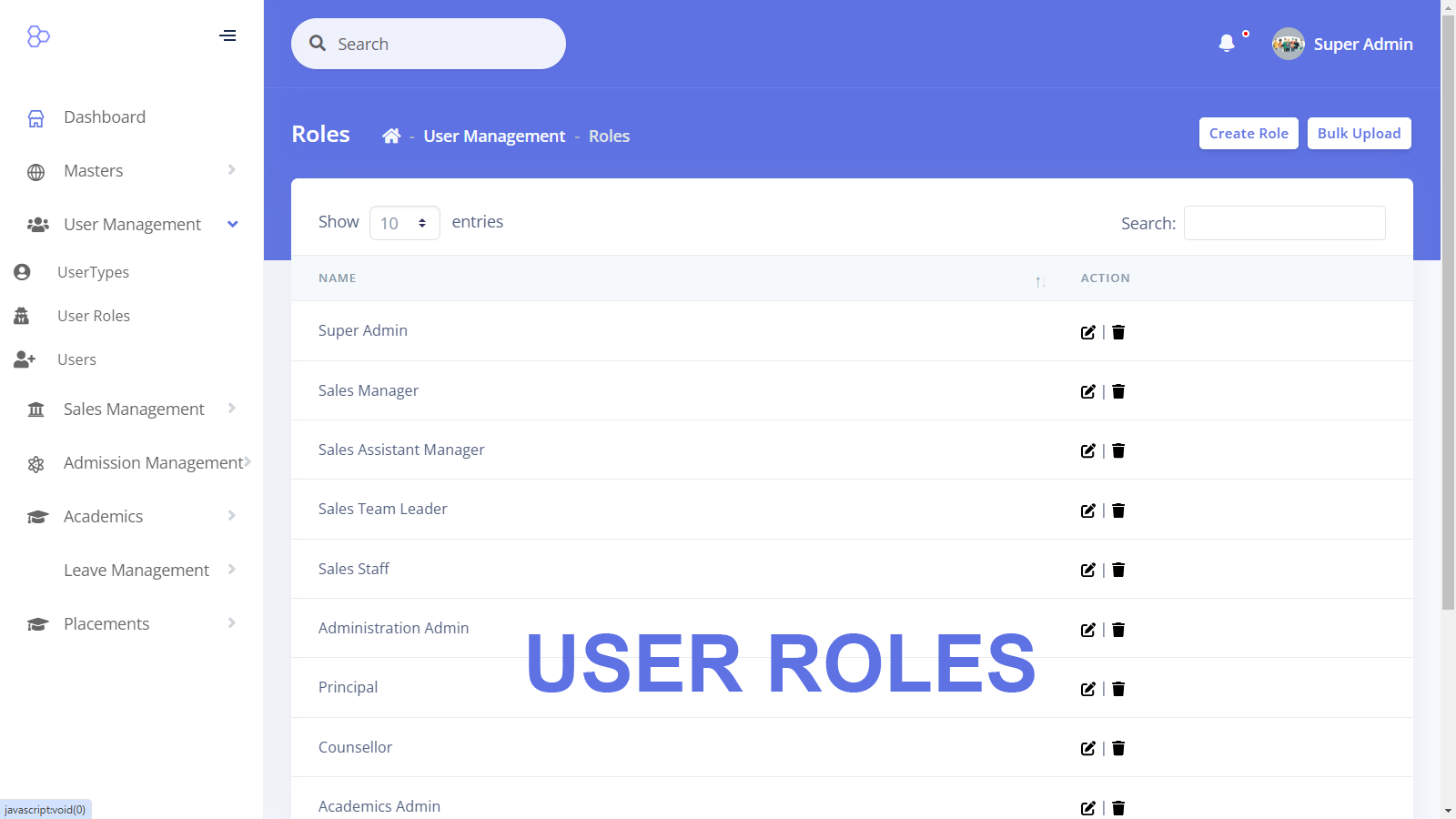
This module allows for the creation and maintenance of various user roles within the application. Each role is assigned specific permissions that dictate access levels within the system.
Features:
Ability to create and manage different users within the ERP system.
Assign distinct roles such as Administrator, Teaching Staff, Non-Teaching Staff, Students, HODs, and Coordinators.
The application’s functionality and accessible features dynamically change based on the user’s role upon login.
Sales Module
This module manages student inquiries, tracks interactions, and oversees the admission process.
Features:
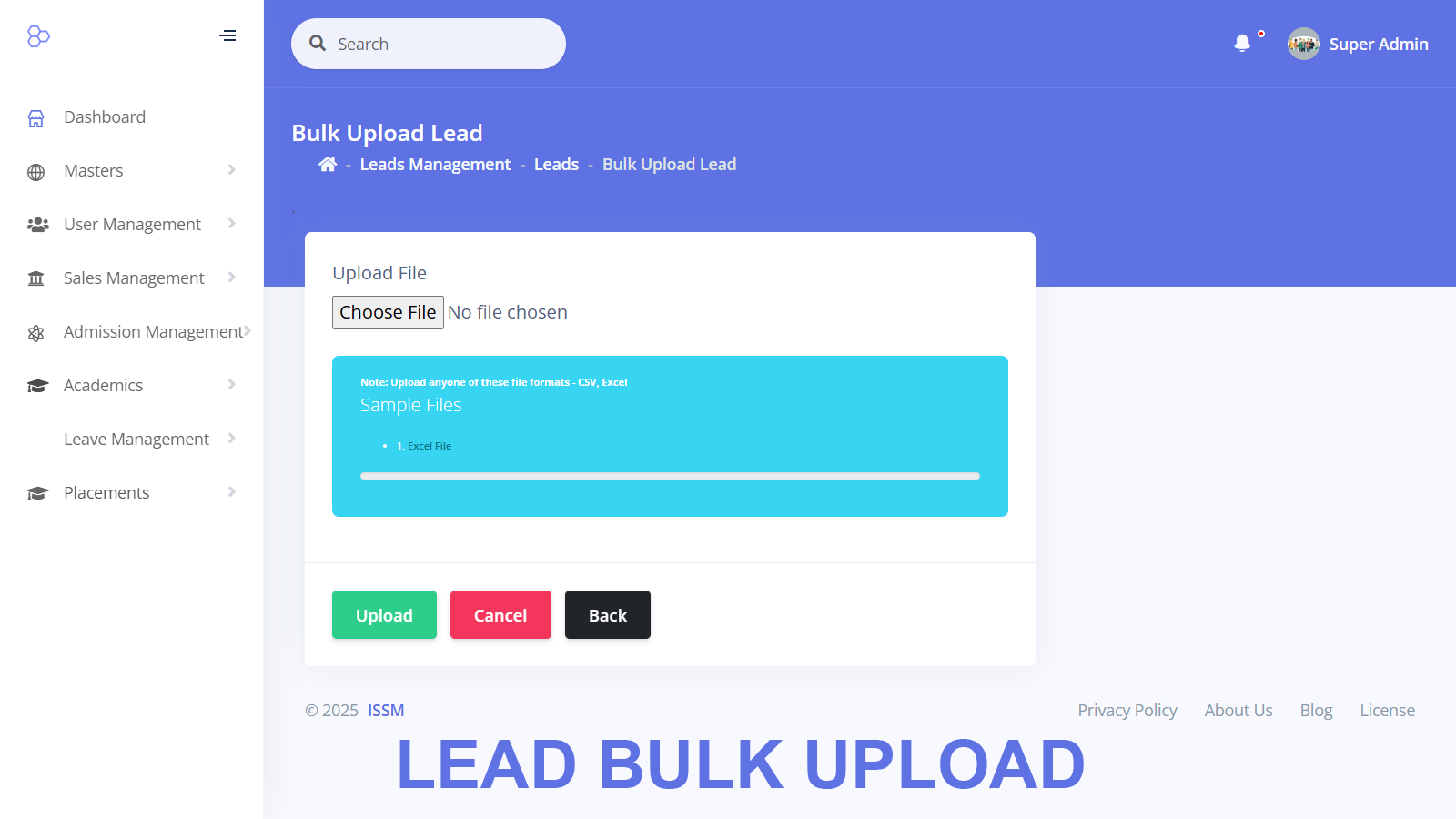
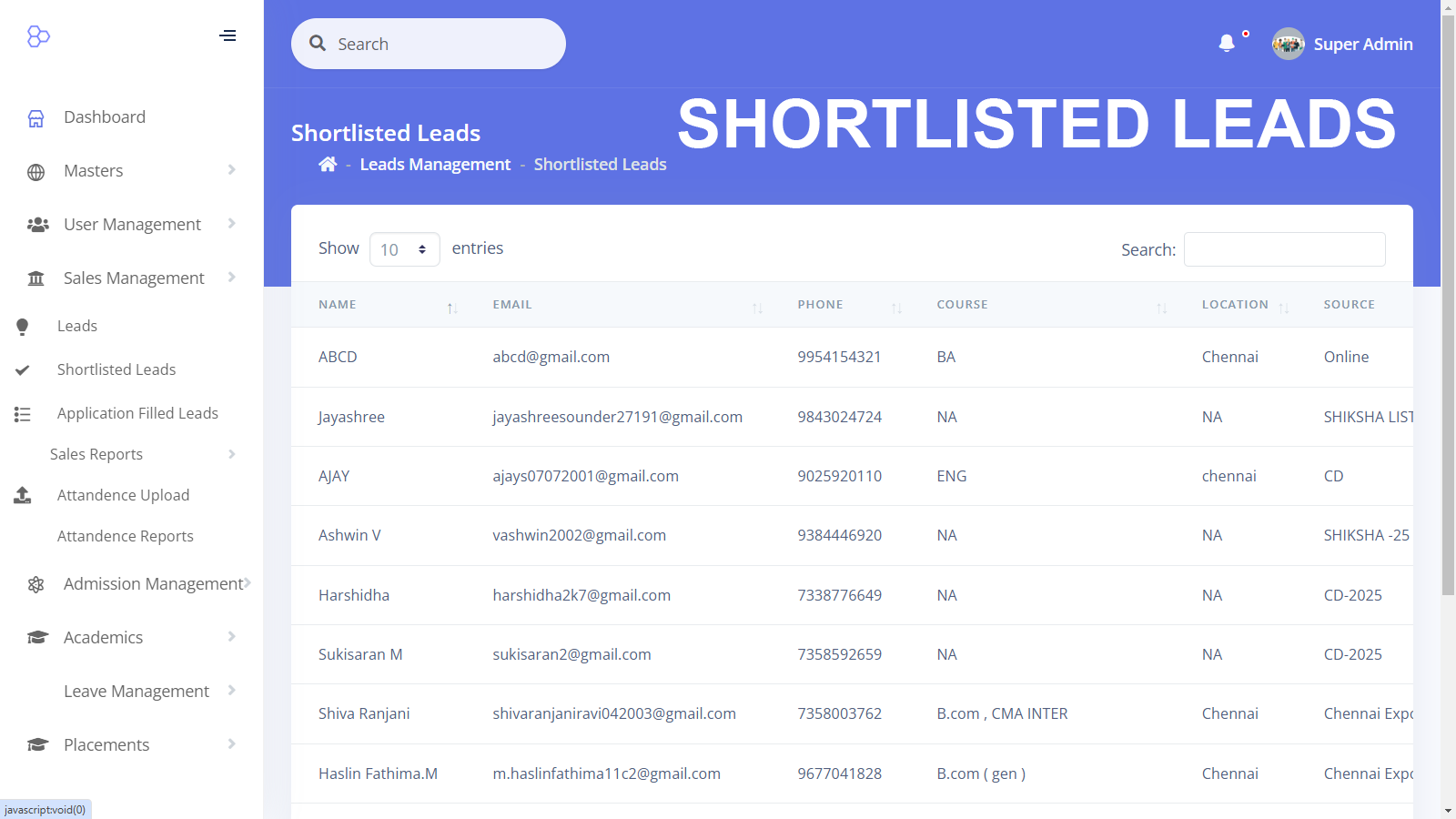
Tracking Student Data: Collects student information from various sources such as external media and marketing campaigns.
Data Assignment: Allocates collected student inquiries to different calling staff members for follow-up.
Follow-up Tracking: Maintains a record of student responses and statuses based on interactions.
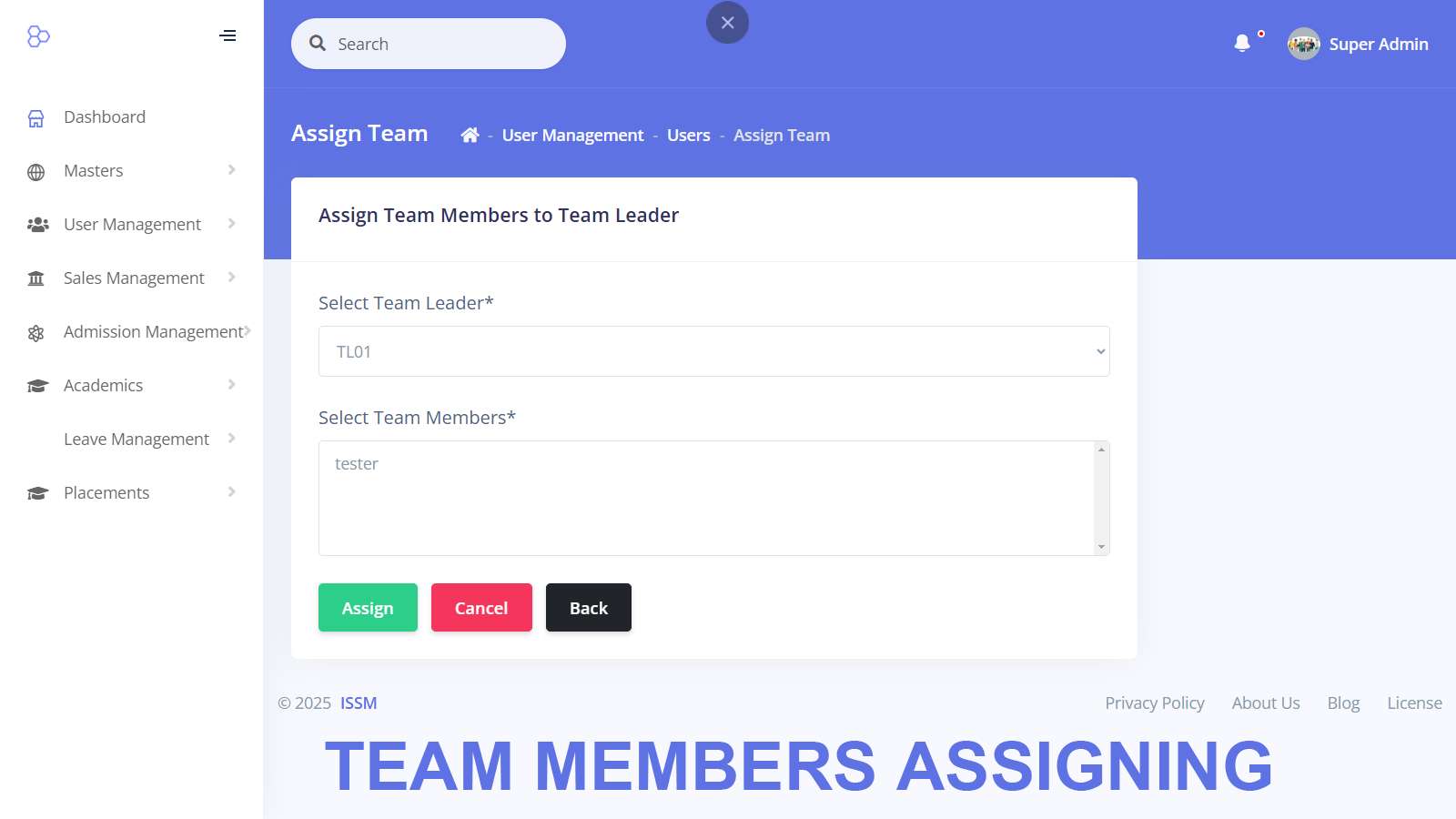
Reassignment of Leads: Team Leaders and Managers can reassign student inquiries to different staff members.
Interview Scheduling: Calling staff members schedule interviews or admission tests for prospective students.
Multi-Level Interview Process: Students undergo three levels of interviews. Each interviewer can access previous interview scores.
Admission Process: Once a student clears all interviews, a fee structure and payment schedule are generated.
Student ID Generation: Upon successful registration fee payment, the system generates a unique Student ID, enabling access to the Student Module.
Reports:
Number of student leads assigned to each staff member.
Number of calls completed, pending, and yet to start per staff member.
Data insights on student conversions from inquiries to admissions.
Staff working hours calculation.
Leave details of staff involved in admissions.
Student Module
The Student Module provides access to academic information, attendance, assessments, and other essential services.
Features:
Login Credentials: Generated upon successful fee payment, allowing access to the module.
Performance Tracking: Students can view their marks, assignments, and assessments.
Course Management: Provides syllabus, class timetable, and exam schedule.
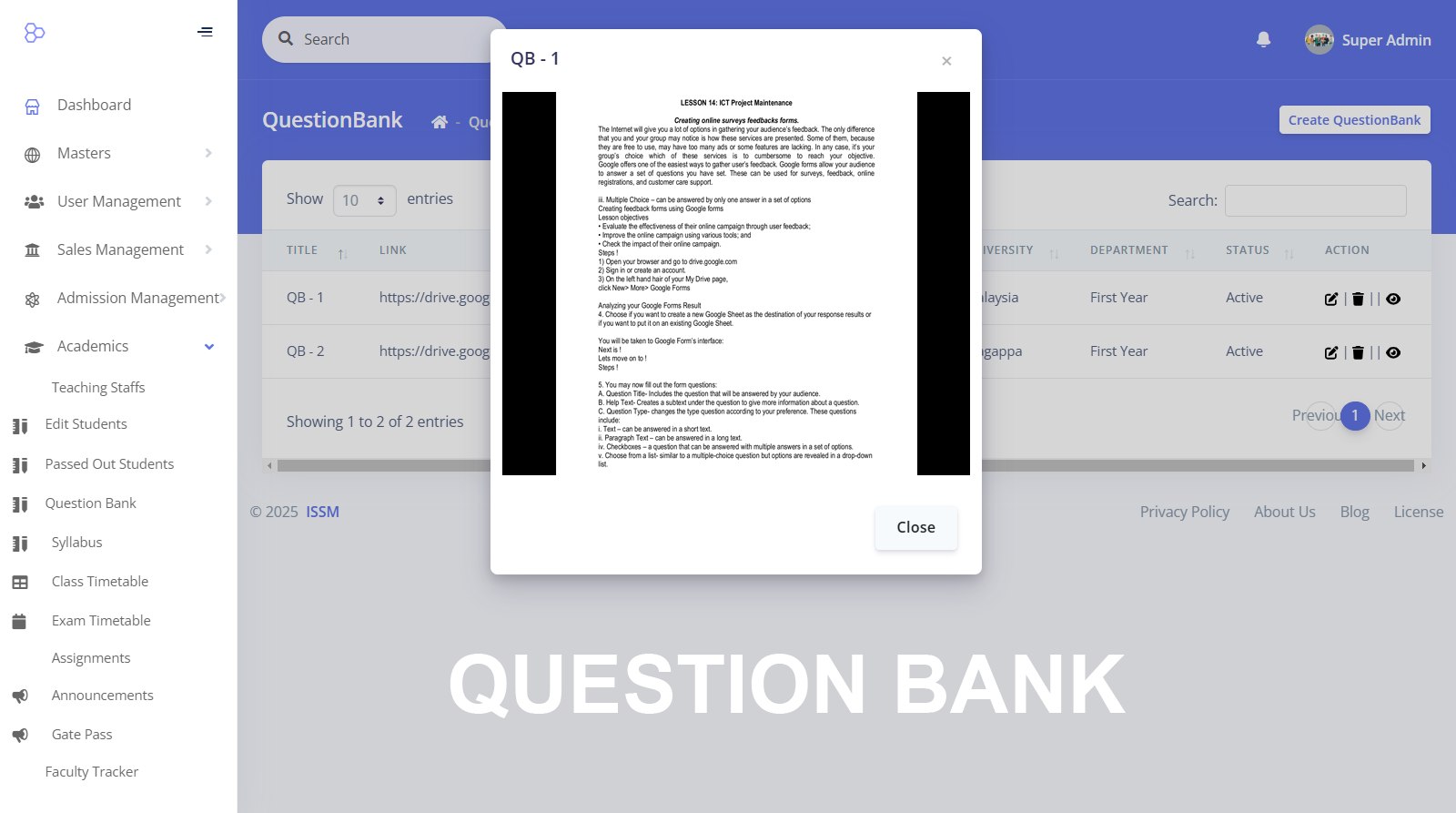
Resource Access: Includes sample question papers for reference.
Leave & Permission Requests: Students can apply for leave, on-duty permissions, and gate passes for early exit through the module.
Placement Assistance: Displays job openings, interview schedules, and results.
Fee Management: Provides fee payment details and schedules.
Admin Module
The Admin Module oversees the entire academic structure, ensuring smooth operations.
Features:
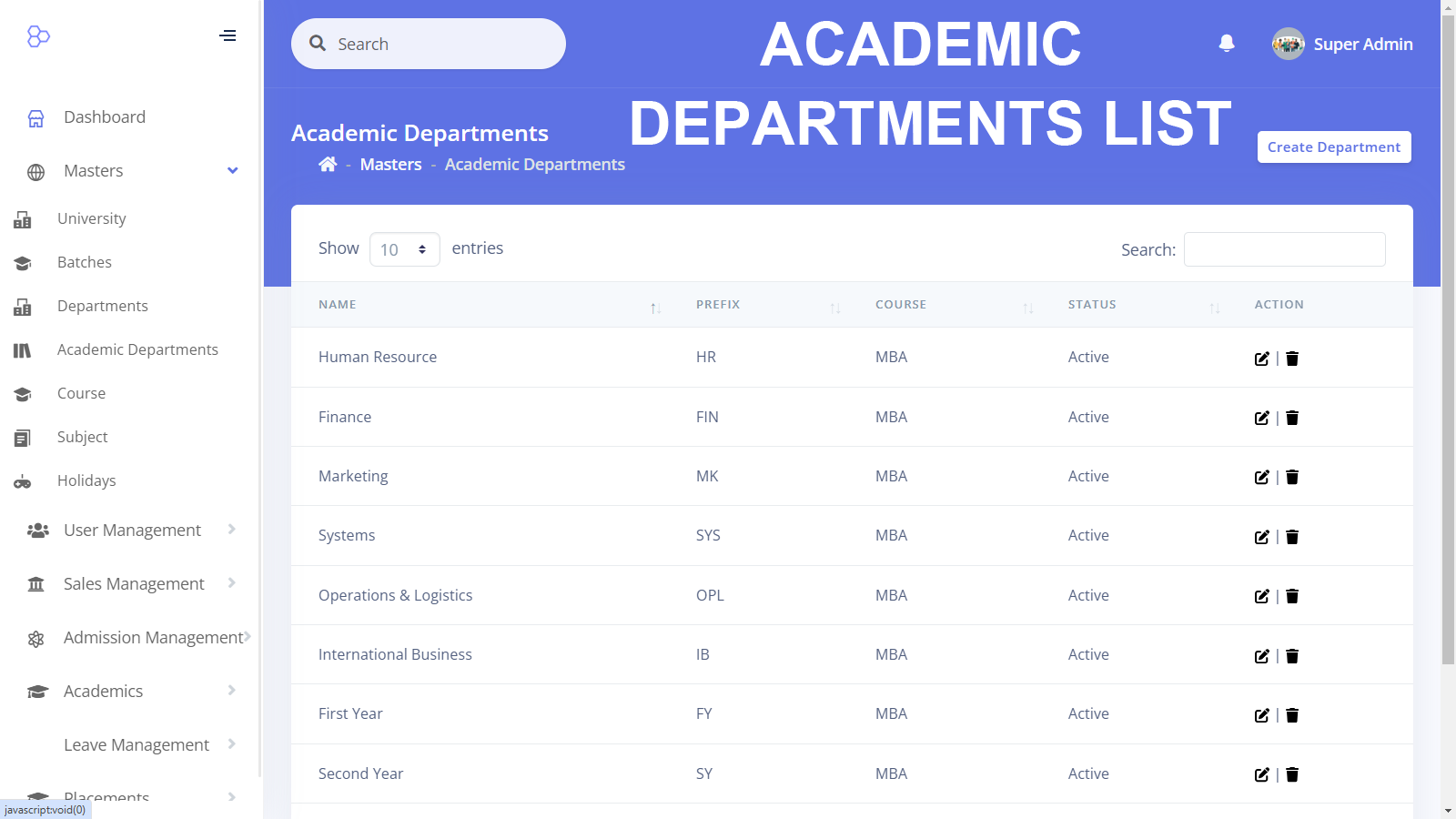
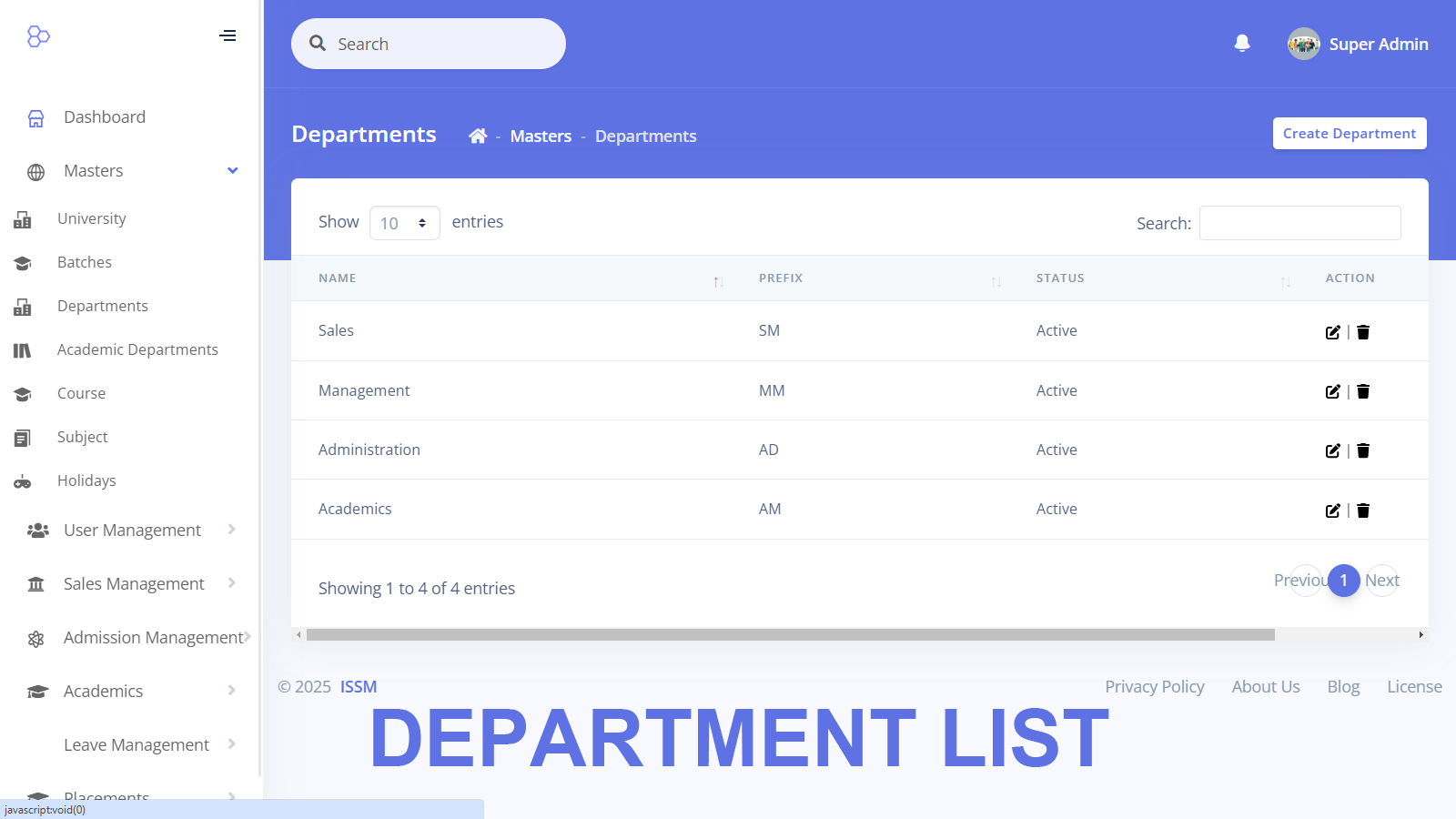
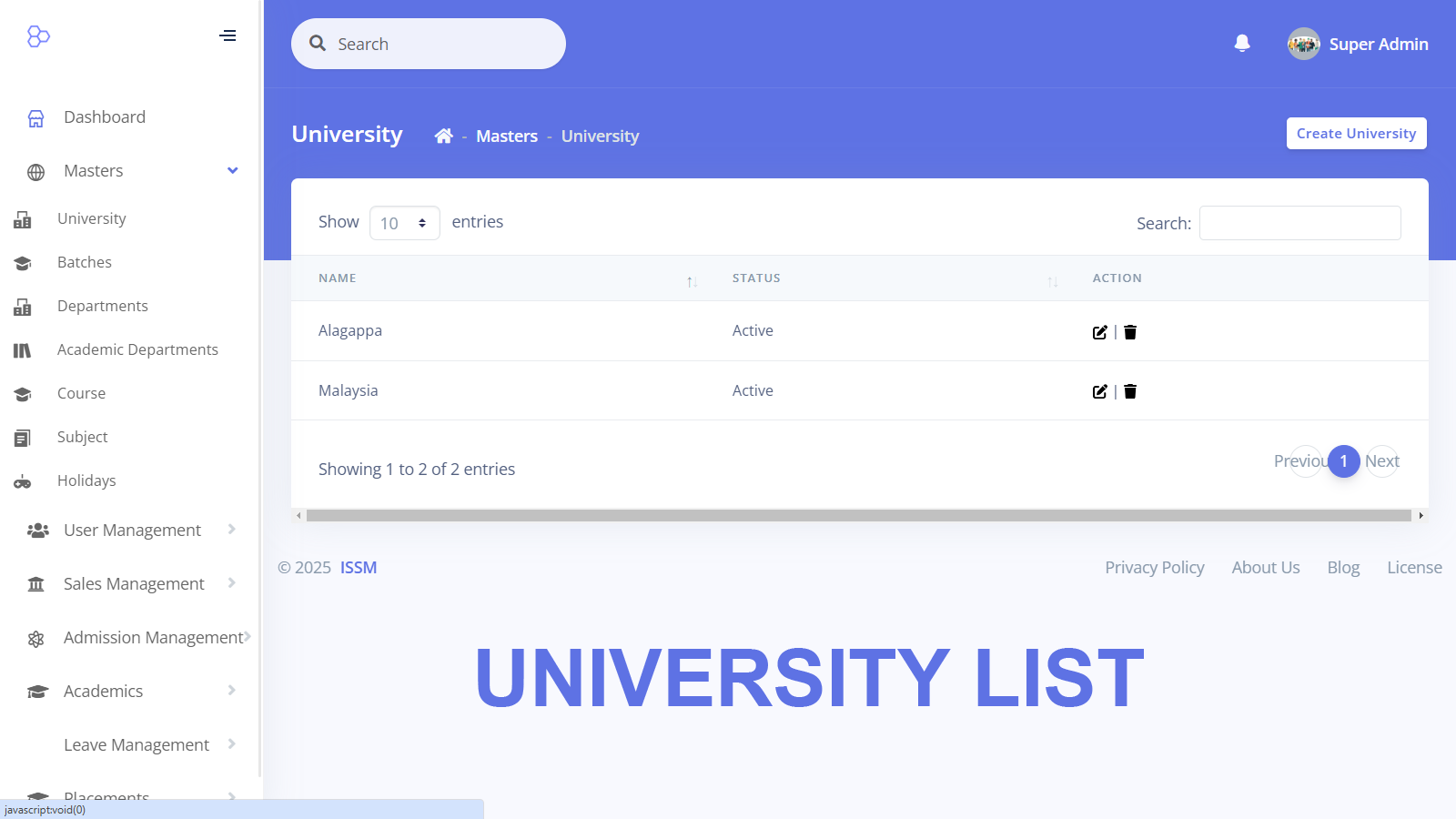
Department Management: Create and maintain different departments.
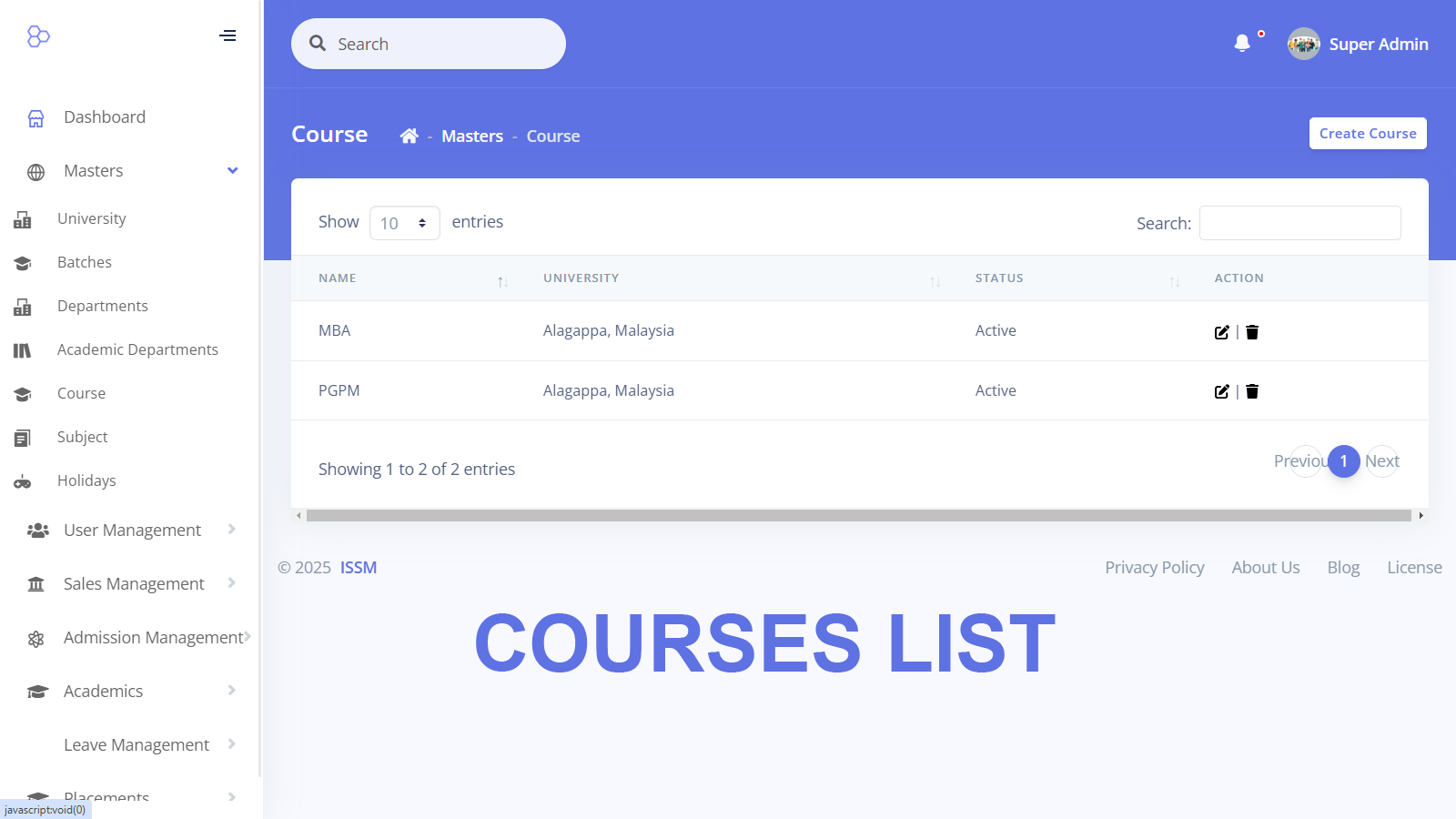
Course Management: Create and manage courses offered by the academy.
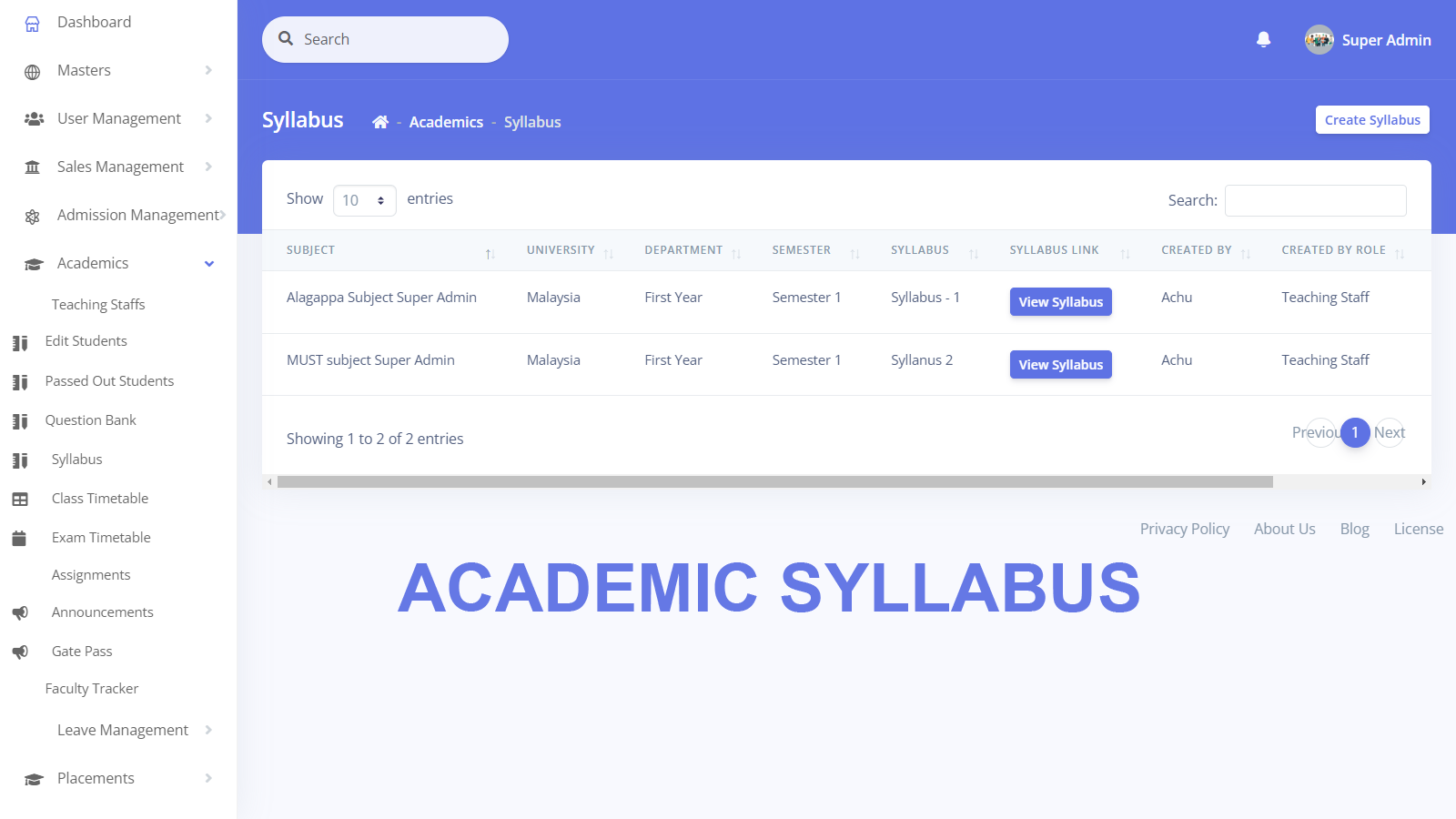
Syllabus Management: Update and maintain syllabus details.
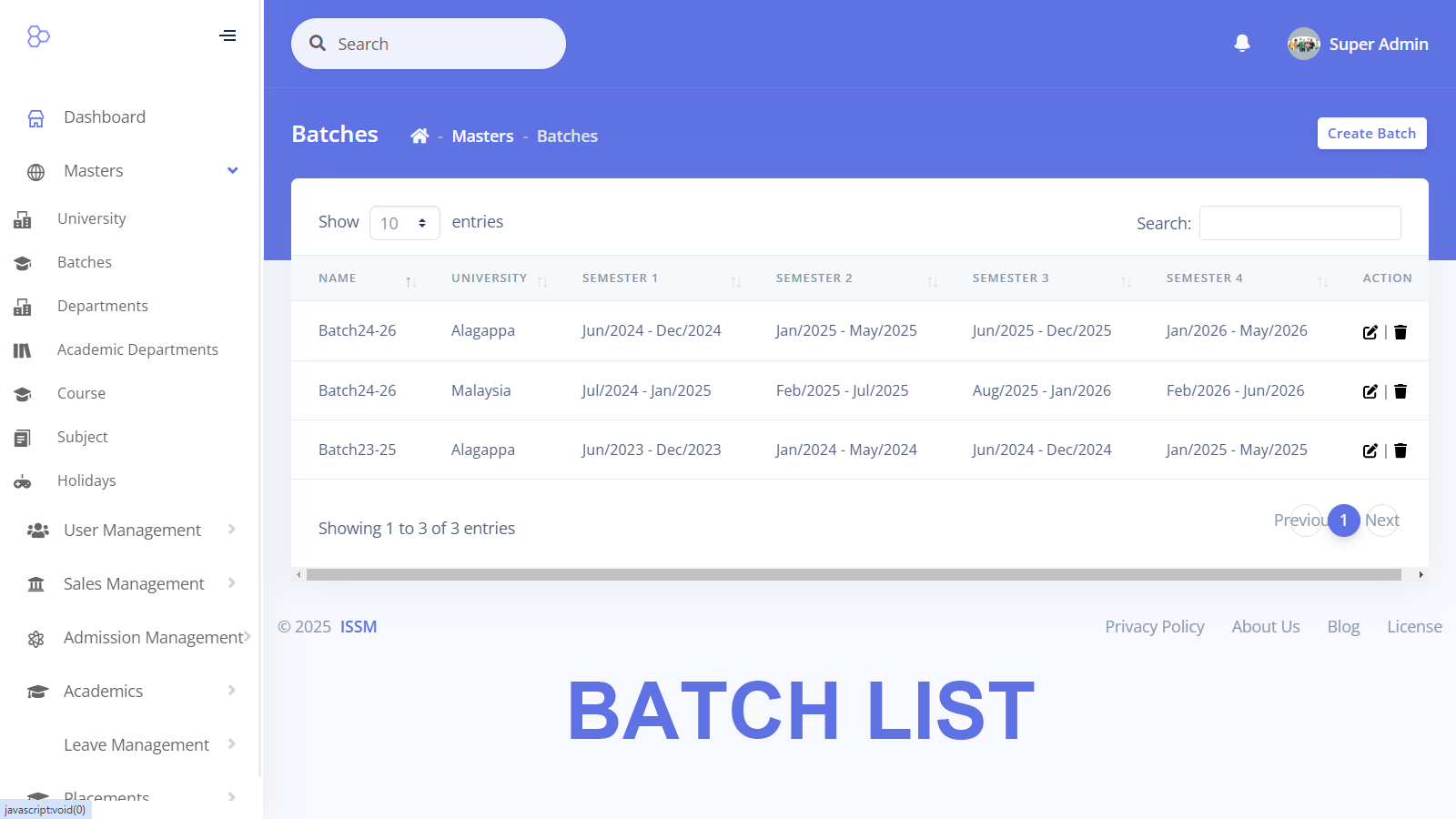
Timetable Scheduling: Set and manage college-wide timetables and schedules for faculty and students.
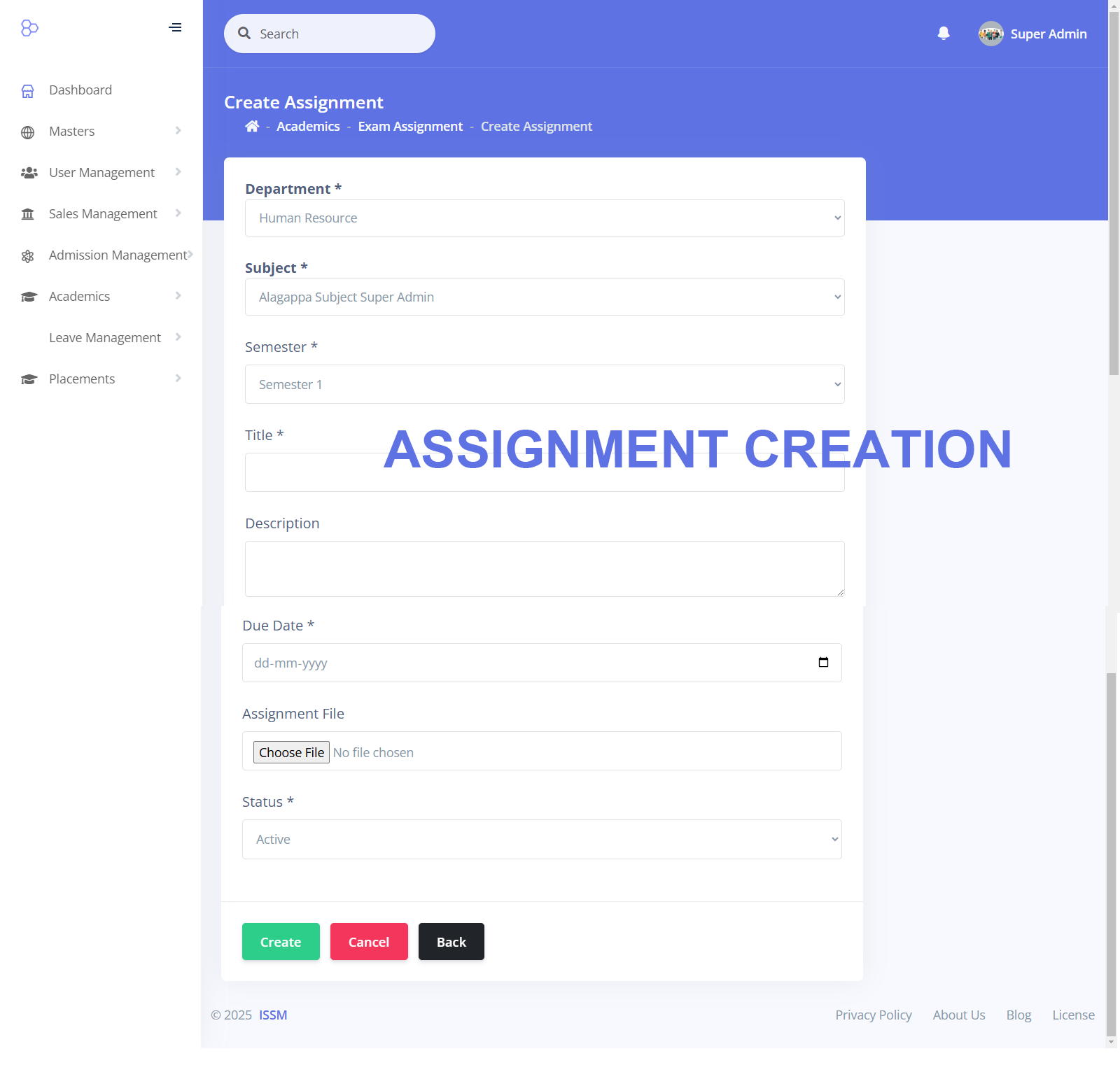
Exam Management: Create and manage examination schedules.
Faculty Management: Assign and schedule faculty members for courses.
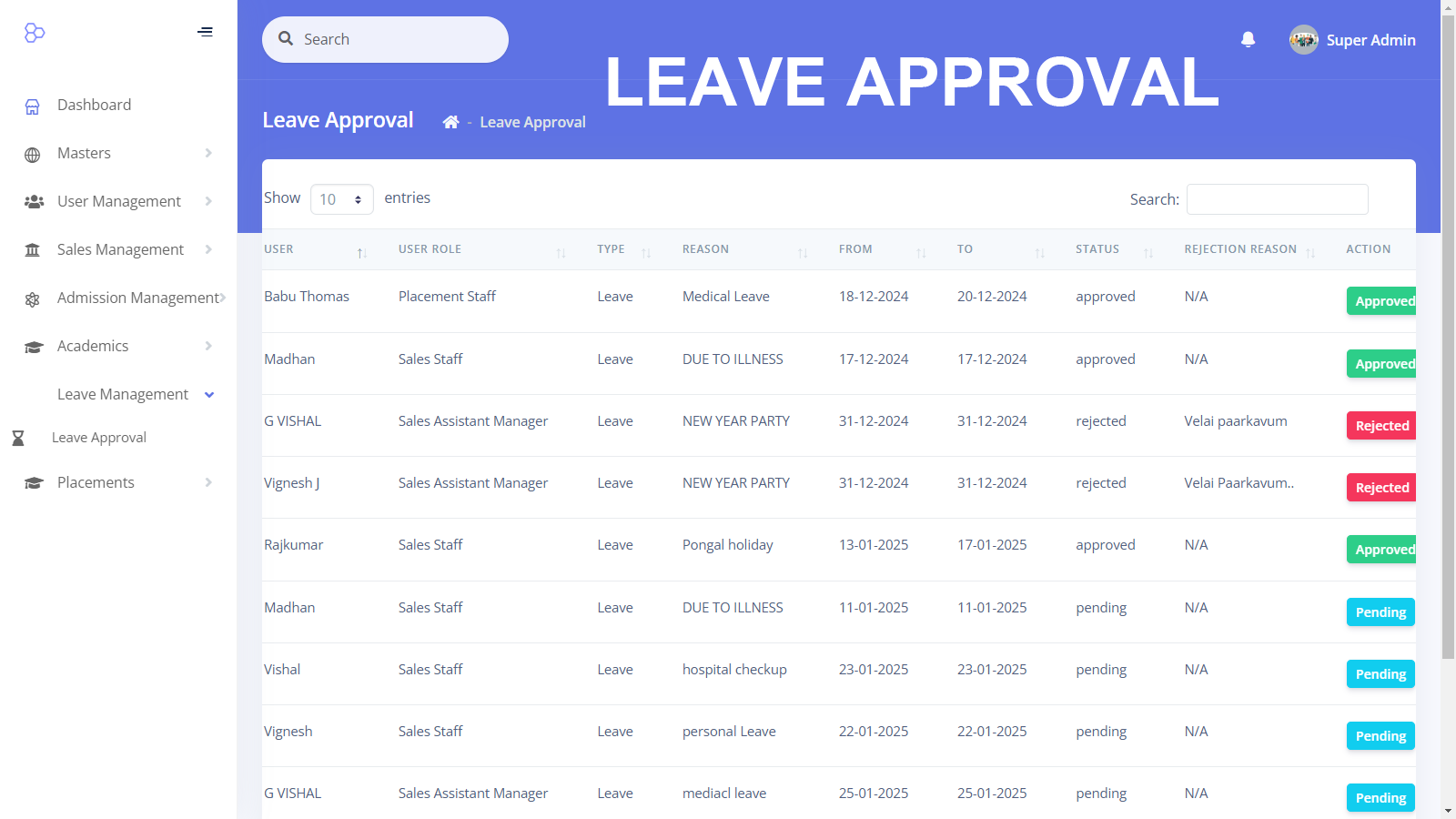
Leave Management: Approve or reject leave requests for staff.
Student Tracking: Teaching staff can update attendance, marks, and assessment details.
Leave and Attendance Approval: HODs and teaching staff can approve or reject student leave requests, on-duty applications, and gate passes.
Academic Content Management: Faculty can upload and create question papers, assessments, and assignments.
Reports:
Student marks across various semesters.
Student attendance records.
Faculty workload and class hours.
Staff leave and attendance records.
Staff Module
This module streamlines staff management by categorizing and scheduling teaching and non-teaching personnel.
Features:
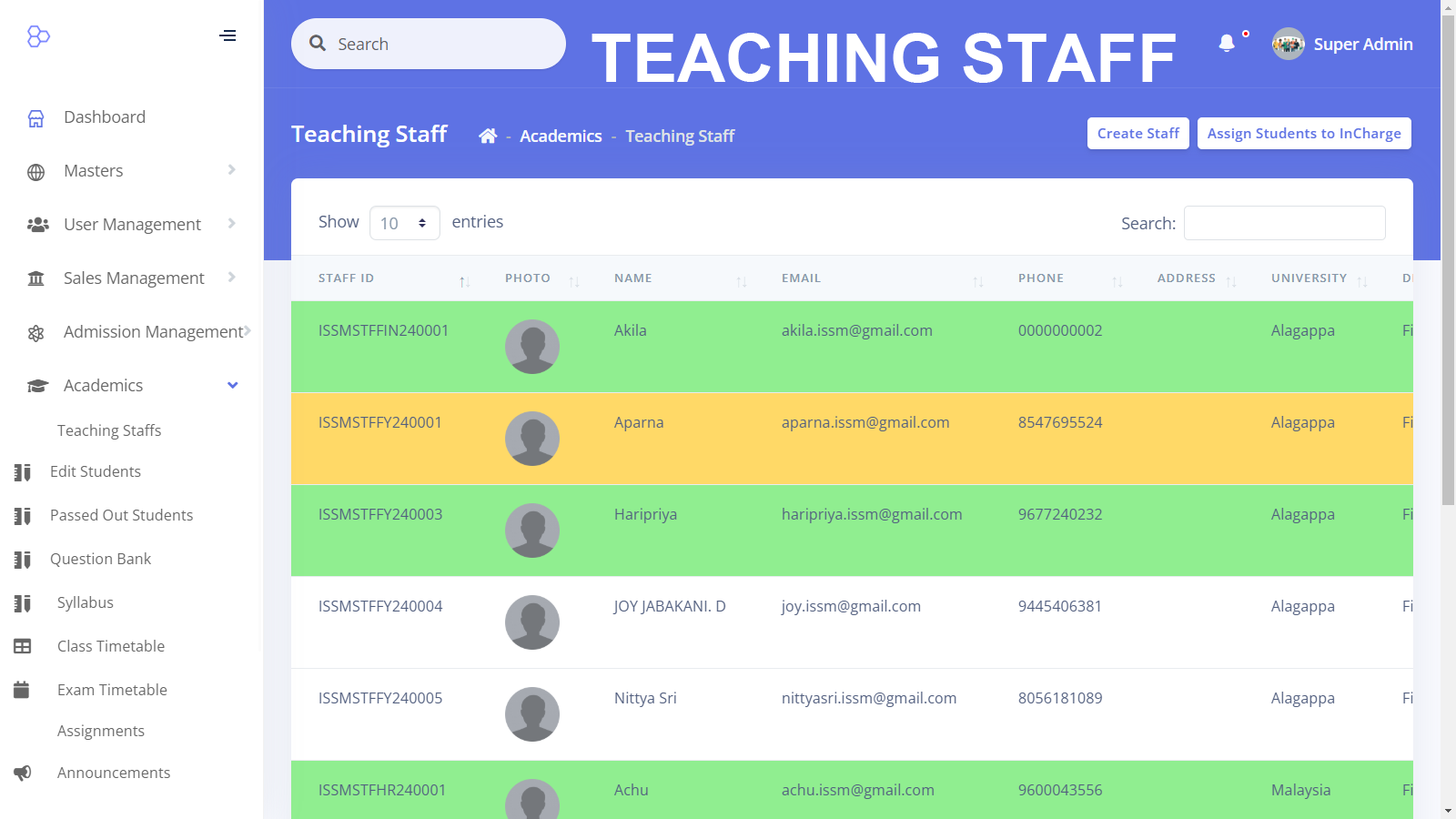
Staff Categorization: Manage different categories of staff, including Teaching, Non-Teaching, HODs, Administrators, and Coordinators.
Department Allocation: Assign staff to specific departments and courses.
Timetable Scheduling: Allocate time slots and schedules for teaching staff.
Placement Module
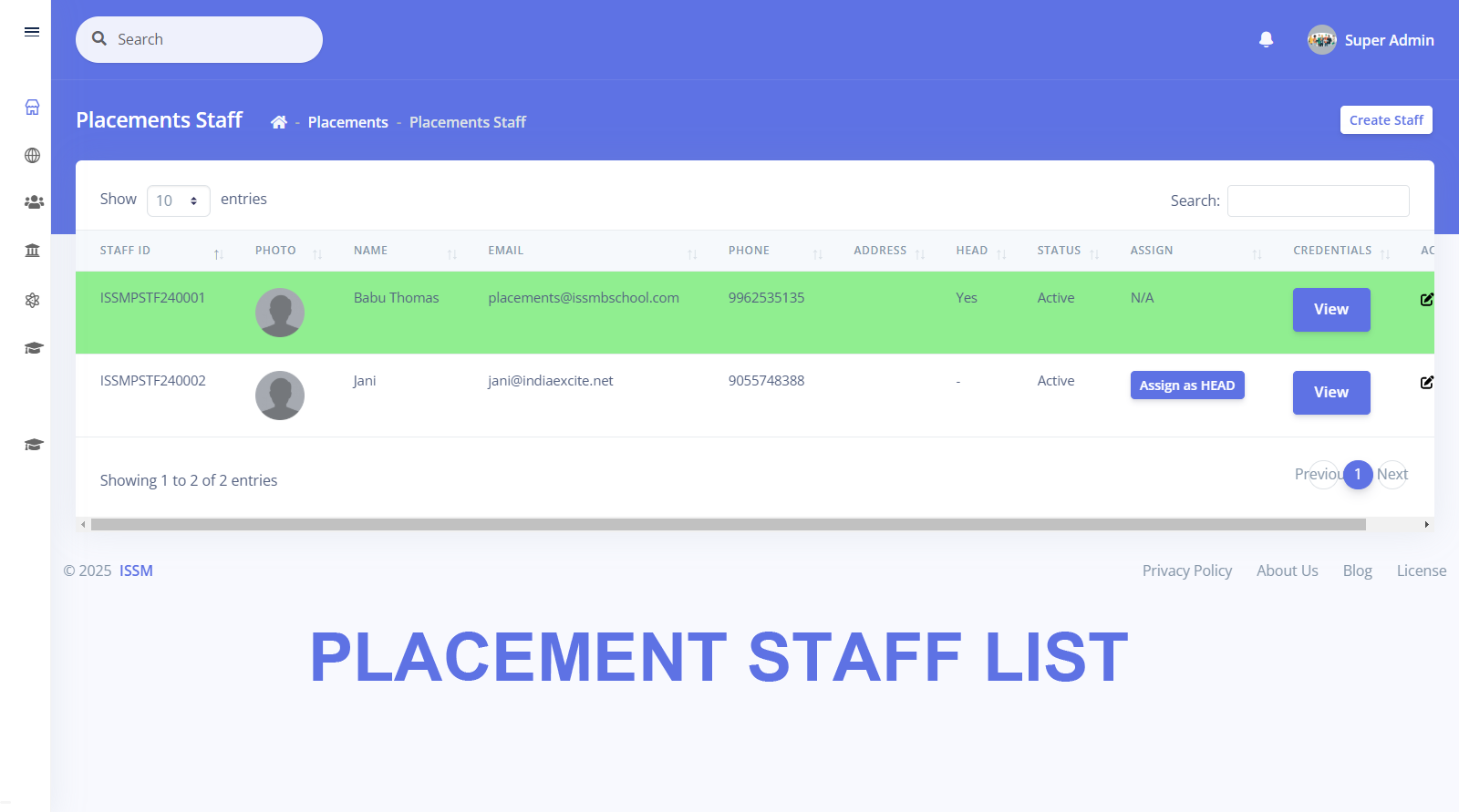
This module manages the placement process, tracking student participation and job opportunities.
Features:
Company Management: Maintain a repository of companies engaging in campus recruitment.
Placement Tracking: Keep records of placement drives for each company.
Student Coordinators: Assign students as placement coordinators.
Job Descriptions: Collect job details from companies and post them for student access.
Interview Scheduling: Plan and schedule interviews for students.
Performance Tracking: Monitor student performance in placement interviews.
Selection Tracking: Maintain records of students selected by companies.
Reports:
Number of companies participating in placements.
Number of students selected per academic year.
Number of students attending interviews.
Analysis of student selections based on package and department.
Student Assessment Tracking Module
This module allows faculty to monitor student assessments and evaluate their performance.
Features:
Faculty Integration: Integrated with the Staff Module for seamless assessment tracking.
Performance Monitoring: Teaching staff can track assessments assigned to each student and evaluate performance.
Credit Score Calculation: Assign credit scores based on assessment results.
Reports:
Student-wise assessment performance reports.
Credit score generation.
Assessment status tracking.
Attendance Tracking Module
This module records attendance for both students and staff.
Features:
Student Attendance: Faculty mark attendance for each class session.
Staff Attendance: Tracks faculty working hours and leave records.
Reports:
Monthly and yearly attendance reports.
Detailed attendance percentage per student and staff member.
Leave Tracking Module
This module automates the leave request and approval process.
Features:
Student Leave Requests: Apply for leave, OD, and gate passes.
Staff Leave Requests: Teaching and non-teaching staff apply for leave.
Approval Workflow: HODs and Admin staff approve or reject leave applications.
Reports:
Track leave history and balances for students and staff.
Fee Module
This module manages student fee payments and schedules.
Features:
Fee Structure Generation: Based on course selection and payment plans.
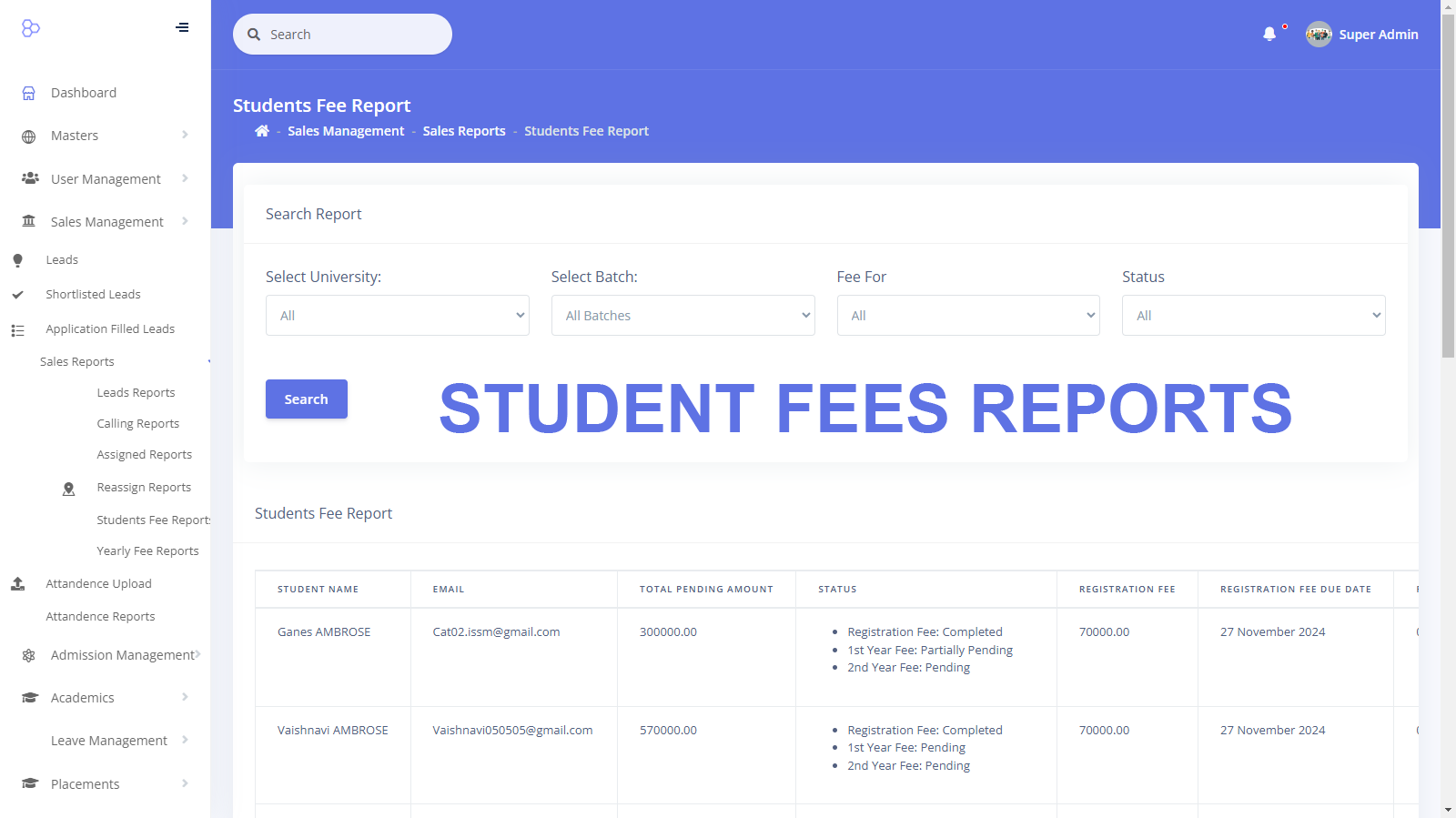
Payment Tracking: Logs student payments and dues.
Reports:
Paid and pending fees.
Payment history and due reminders.
Reports Module
The Reports module compiles insights from all other modules, providing comprehensive analytics.
Features:
Detailed reports on student data, performance, placements, attendance, staff workload, and financials.
This Campus ERP ensures seamless integration between administrative, academic, and financial operations, providing a robust platform for managing academies efficiently.